




- sports

- action

- cricket

- arcade

- racing

- adventure

- girls

- boys

- hot

- more

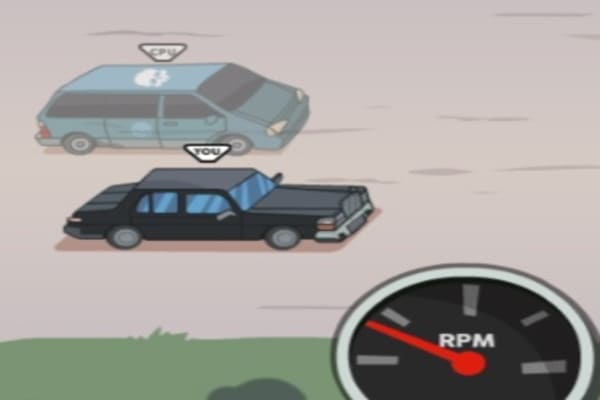
Speedlust Driver
- 100%
- 0%
- Favourite
- Share
- Report
- Full Screen




About this game
Introduction
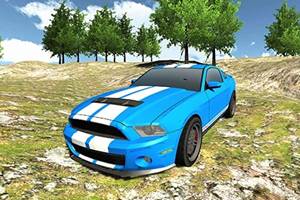
Speedlust Driver is a car game where you assemble your car and then choose races from world map to get participated. Use progress or collected rewards to upgrade available content and unlock additional options. Improve available characters, vehicles, weapons, towers, or equipment as described by the game. Control a car through racing, stunt, parking, or route-based challenges.
How to Play Speedlust Driver Game
Choose the available vehicle or route, then keep the car under control as the driving challenge begins.
Control speed and steering while reacting to turns, traffic, ramps, rivals, and obstacles along the route. Race your chosen vehicle against multiple driving expert opponents from all across the city.
Use controlled steering and braking around difficult sections instead of relying only on maximum speed.
Use progress or collected rewards to upgrade available content and unlock additional options. Collect coins when they contribute to the objective, score, or progression.
Controls
Keyboard/Touch: Use the keyboard on desktop or the touch controls on mobile to control the vehicle.
Keyboard/Touch: Use the keyboard on desktop or the touch controls on mobile to control the vehicle.
Main Features of Speedlust Driver Game
Car Driving: Control a car through racing, stunt, parking, or route-based challenges.
Vehicle Control: Manage speed and steering through difficult sections.
Upgrades: Improve available characters, vehicles, weapons, towers, or equipment as described by the game.
Unlockable Content: Progress to unlock additional characters, items, abilities, or options.
Collectibles: Collect coins when they contribute to the objective or progression.
Obstacle Avoidance: Navigate around hazards that can slow, damage, or stop your progress.
Map Tracking: Use the on-screen map when it helps track objectives or locations.
Keyboard/Touch Controls: Use the keyboard on desktop or the touch controls on mobile to control the vehicle.
HTML5 Game: Play directly in a supported web browser.
Main Objective: Win each race to grab extra experience points.
Shop: Use the in-game shop or store when rewards can be spent on additional content.
Vehicle Upgrades: Improve vehicles using earned progress or rewards.
Mobile Play: Supports touch-based play on compatible mobile devices.
Desktop Play: Supports desktop play using the controls described by the game.